If you have a busy schedule, learning how to grocery shop online can help you reclaim time otherwise spent driving to the store, roaming the aisles and waiting in line. Online grocery shopping turns a multi-hour chore into a few minutes of clicking or tapping, allowing you to stock your pantry without ever leaving the comfort of home. With Instacart, you can connect with nearby retailers, choose between delivery and pickup and track your order conveniently from your phone or computer.
Whether you are trying online grocery shopping for the first time or looking for ways to make your current routine more efficient, this guide will walk you through the entire process, from setting up your account to having your first batch of groceries delivered right to your door.
A simple guide to online grocery shopping with Instacart
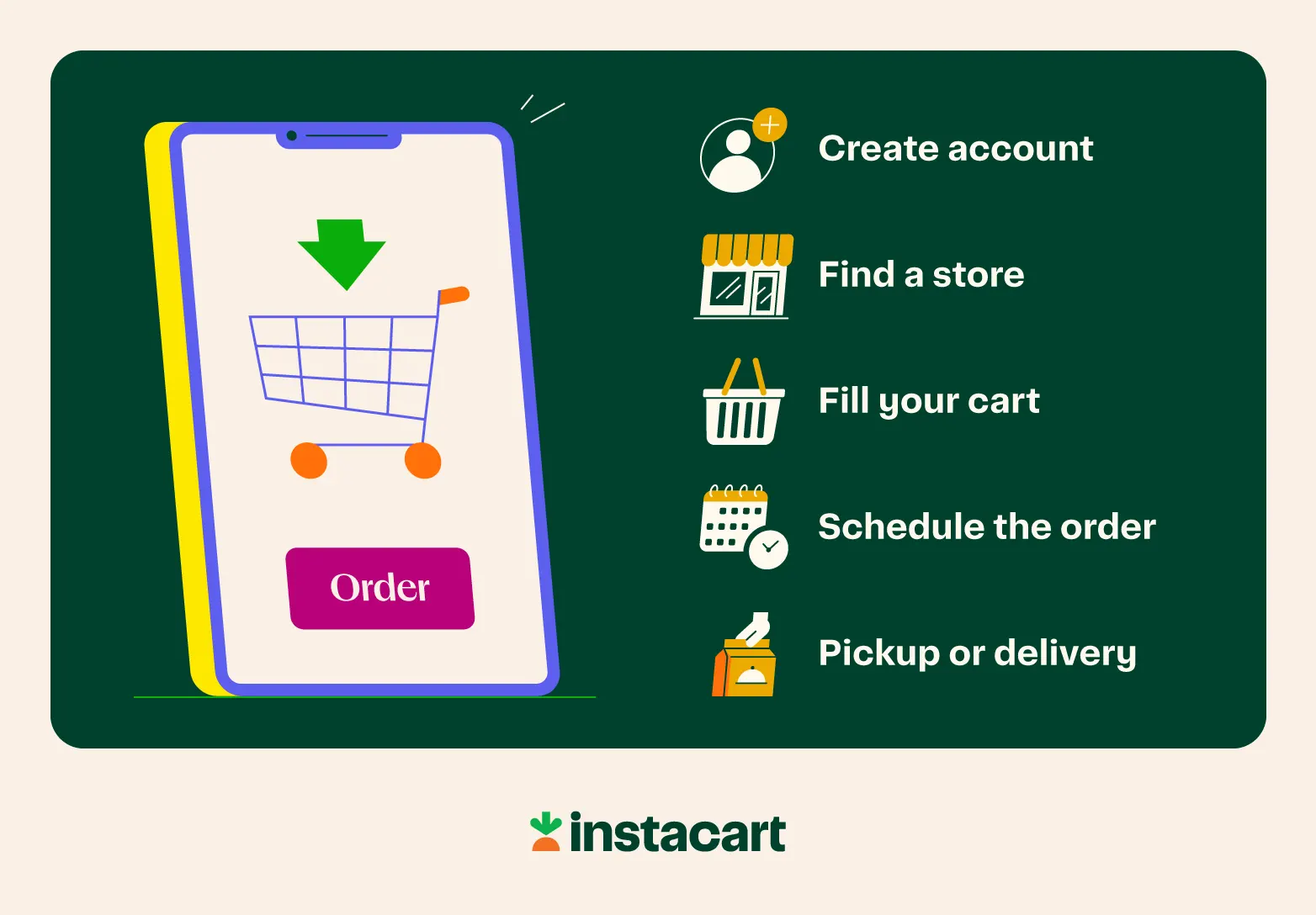
The beauty of internet grocery shopping is that it's designed to be intuitive. While the technology behind it is complex, the user experience is pretty straightforward. Here’s how to start shopping for groceries online using the Instacart mobile app.
Step 1: Create an Instacart account
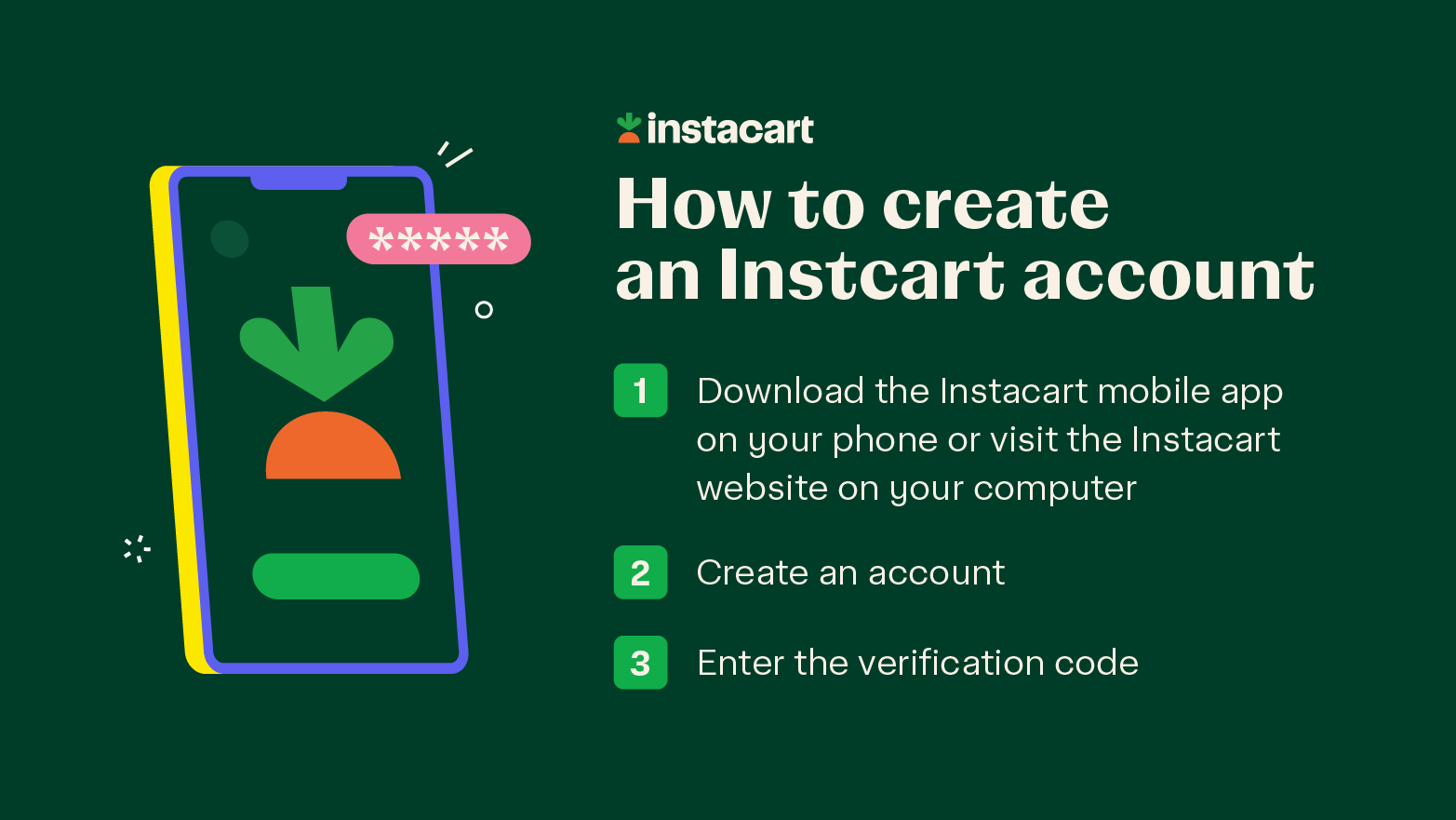
Instacart is available as a mobile app and a desktop website. You can use any of the following methods to create an Instacart account:
Email address
Phone number
Apple ID
Google account
Facebook account
After selecting one of these options, you’ll receive a six-digit verification code to enter before proceeding to the next steps.
Step 2: Find a grocery store near you
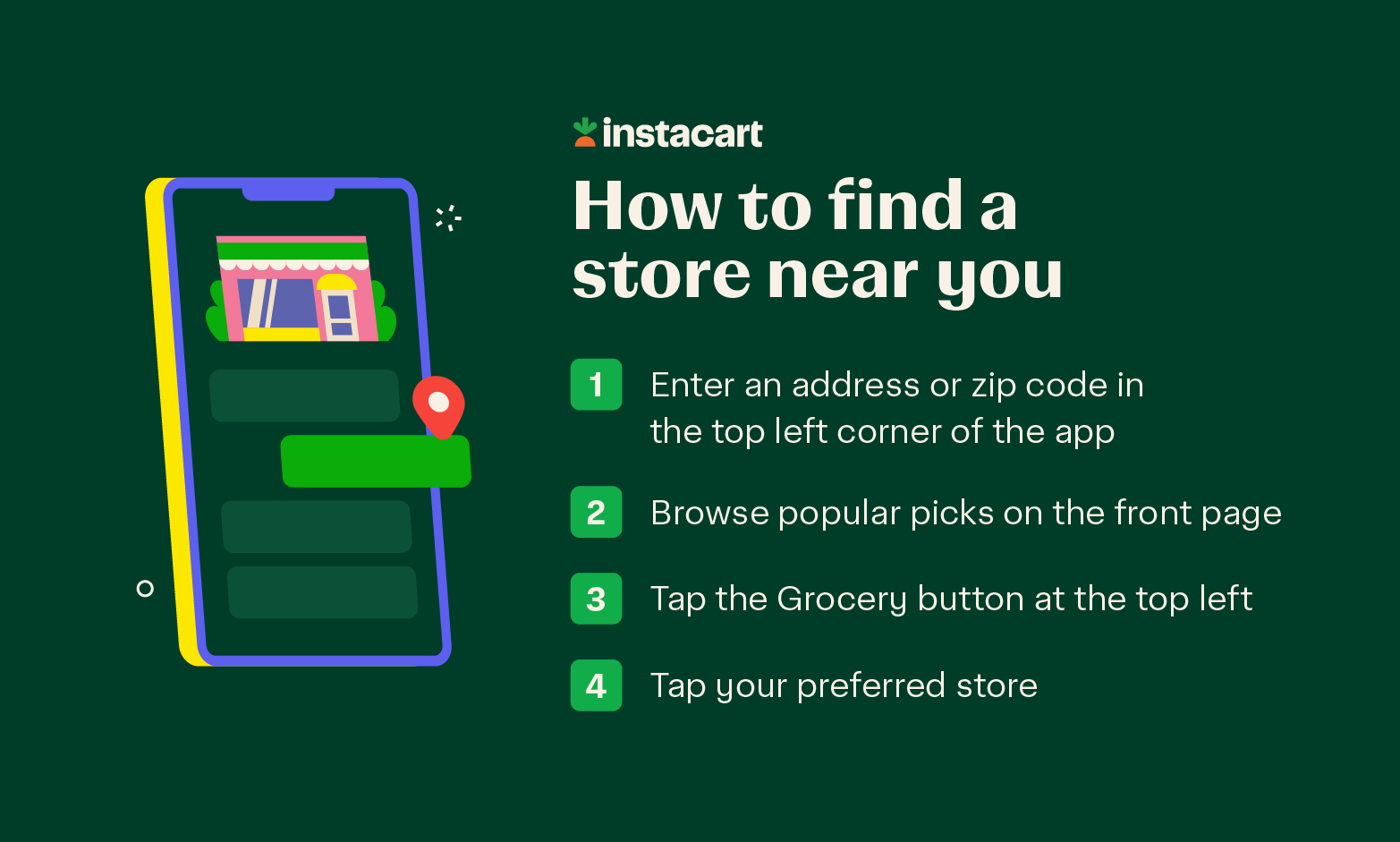
In the top left corner of the mobile app, enter your delivery address or set a zip code to see stores nearest you. Scroll down the front page to see stores near you, as well as how far away each one is from your location.
Tap the 'Grocery' category at the top of the homepage to get started.
Step 3: Start shopping for groceries online
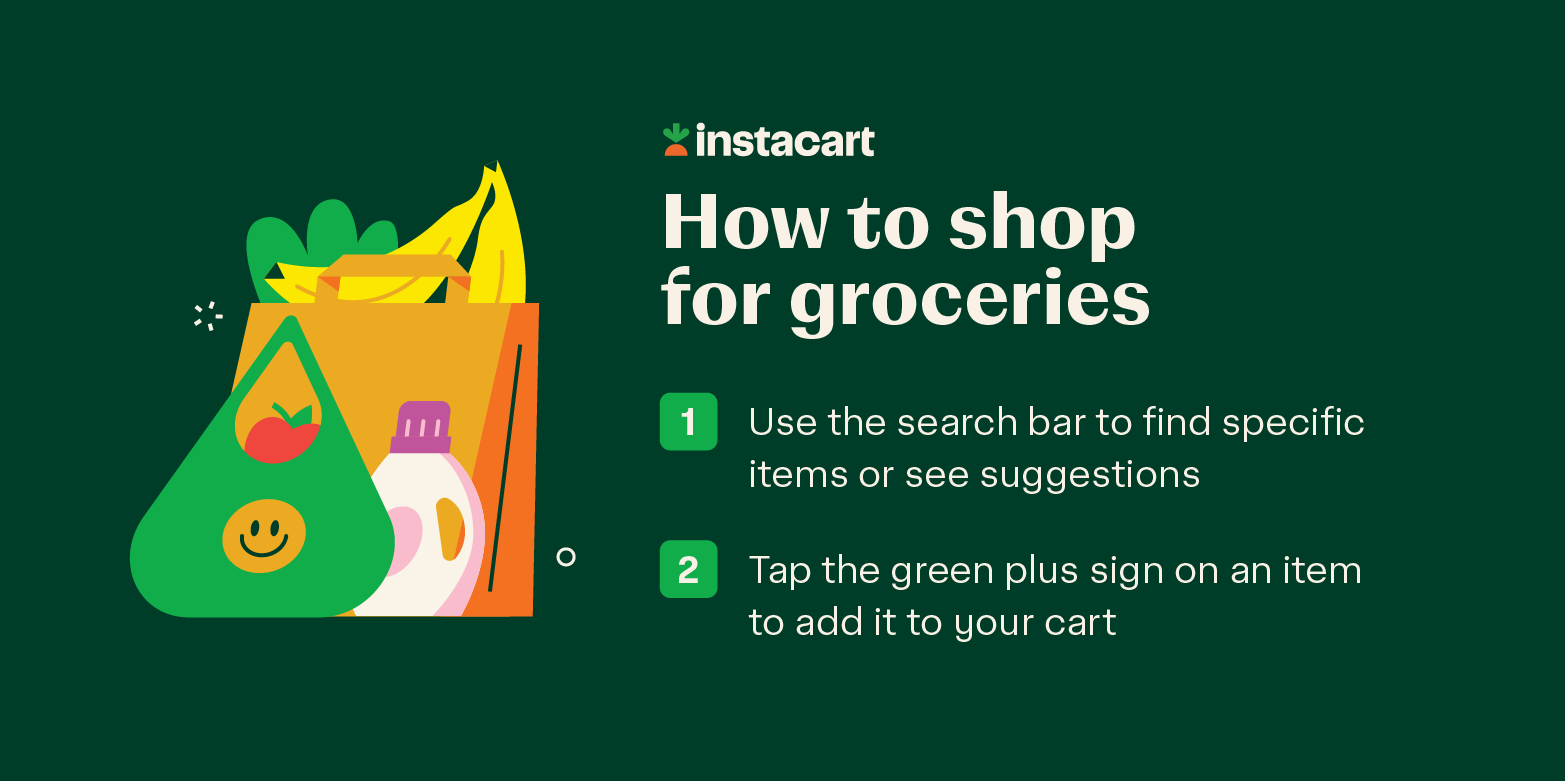
Once you select a grocery store near you, it’s time to fill up your shopping cart and start meal planning. You can use the search bar to find available items from that location. The search bar will offer suggestions as soon as you start typing.
Tap on an item suggestion to search for it. If there is no exact match for your search query, Instacart will display similar items from the same store. Finally, tap the green plus sign on an item to add it to your cart.
Still wondering what to get at the grocery store? In addition to browsing different grocery categories, you can sort items by best match, lowest price, or highest price. You can also filter items by brand, dietary preferences, and ingredient preferences (like “no preservatives.”)
As you shop for groceries online, consider your household’s dietary needs and your available food storage space.
If there’s a chance a particular item could be out of stock in your chosen store, you will see a green “request” button instead of the plus sign. Tap on it to set a replacement preference/item substitution, tell the Shopper to look for the next best match in-store or request that the item be refunded and removed from your order. Check out the customer preferences page for more information about this feature.
Step 4: Place your online grocery order
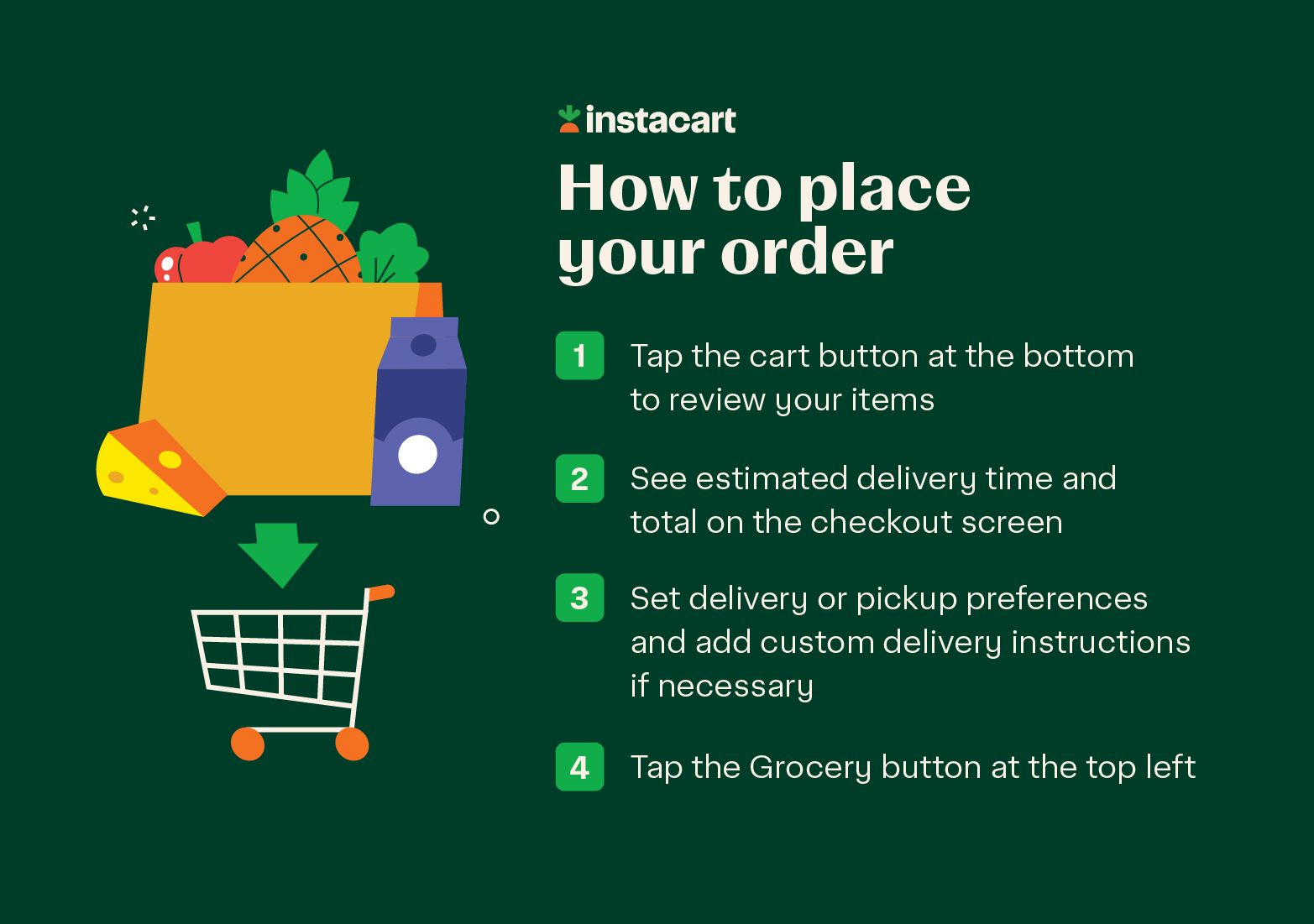
Once you’ve filled your cart, tap on the green cart button at the bottom of your screen to review your items and head to checkout. At the top of the next screen, you’ll see your estimated delivery time and total. You can also view earned offers. Tap “Go to checkout” to proceed.
Set your delivery preferences - ASAP or schedule a delivery for later. You can often choose “Priority” delivery if you’re in a rush. At the top right of this screen, you can also switch to pickup.
If you want to add more specific delivery instructions (like “meet me at the door” or “leave at the doorstep for no-contact delivery”), tap on your address. Here, you can type custom notes to your Shopper and add your phone number in case they need more clarification. We recommend turning on app notifications so you can chat with your Shopper in real time if they have questions about substitutions.
Scroll down to “Pay with” to view your saved payment methods or add a new one. Confirm your payment method and tap “Continue.” It may ask you to enter your mobile number again for verification.
On the next screen, you’ll “Confirm delivery” and double-check your address, estimated delivery time, and instructions.
On the final confirmation screen, you’ll see the option to add a tip. Tipping is a way to show appreciation for the Shopper who selects and delivers your items. You can typically add a tip during checkout and adjust it after your order is complete. In some cases, the Shopper who picks up your order may also deliver it, and in others, a different Shopper may handle the delivery.
Step 5: Pick up your order or have it delivered
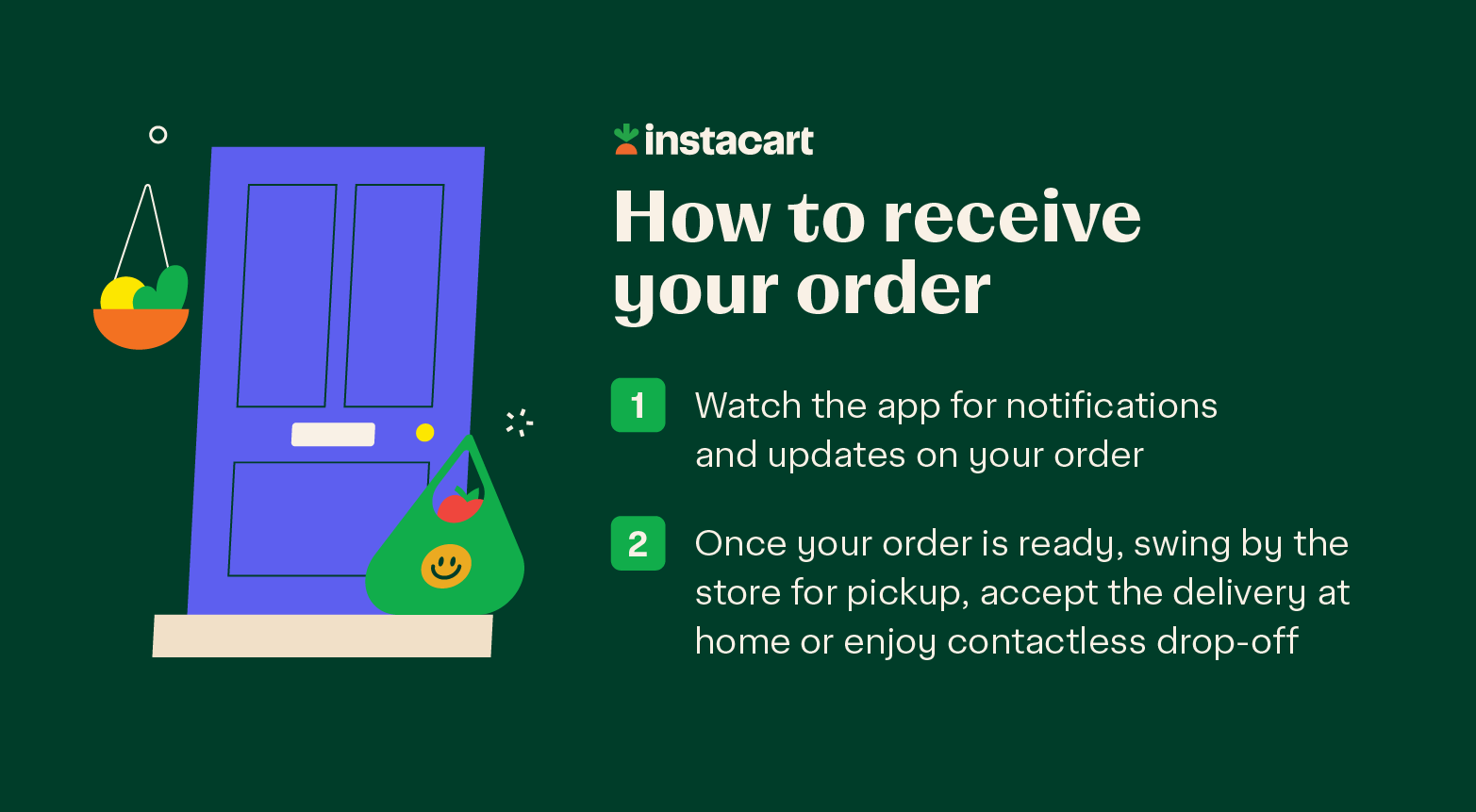
Instacart lets you order groceries online for pickup if you prefer to swing by the store on your way home. If you choose this option, you’ll receive a notification when your order is ready, and you can follow the in-app instructions to park in a designated spot while a store employee brings your bags out.
If you opt for delivery, you can schedule it for the same day — with delivery in as fast as 1 hour. You don’t necessarily need to be home to accept the delivery; you can select “Leave at my door” for a contactless drop-off. (However, if your order contains alcohol, you must be present to show a valid ID for verification.)
If you are coordinating assistance for older relatives or neighbors, grocery delivery for seniors can be especially helpful. You can even get groceries delivered to your hotel when you’re on vacation, so you have snacks and basics ready as soon as you arrive.
Online grocery shopping tips
Once you understand what online grocery shopping is and how the basic steps work, you can work on how to improve online grocery shopping. Here are a few extra tips to help you get more value from each order.
Compare your options: Prices vary by retailer, so don’t be afraid to check two stores for your bulk items to find the best value.
Find online grocery coupons and deals: Look for digital promotions, loyalty discounts and special grocery delivery deals when you shop. Instacart has a dedicated section for promos and coupons to help reduce the costs of grocery shopping online.
Sign up for rewards: Connect store loyalty programs to your Instacart account and check out Instacart+ perks. Members enjoy $0 delivery fees (service fees apply) on eligible orders of $10 or more, which can help save money on groceries over time.
Be specific with notes: Use Instacart’s Preference Picker feature and add custom Shopper Notes (e.g., “green bananas”) to help your Shopper pick out exactly what you want.
Plan ahead and time your orders right: Delivery windows can fill up fast, especially on weekends or before holidays. Scheduling your order a day in advance can help you snag the best time slots.
Save your favorites for easy reordering: To make shopping for groceries online faster each week, you can add key items from past orders instead of searching from scratch. Use Instacart’s convenient “buy it again” feature for items you frequently put on your grocery list.
If you are curious about the average cost of groceries for your household size, it can also be helpful to review your monthly spending and look at how your online orders fit into the bigger financial picture.
Online grocery shopping FAQ
Here are answers to some of the most common questions about online grocery shopping.
Can you use EBT for online grocery shopping?
In some areas, customers can use eligible benefits, such as SNAP, to pay for groceries at participating retailers on Instacart. You’ll need to add your EBT card to your payment methods and ensure you have a secondary payment method on file for non-eligible items, fees, and tips.
Availability depends on where you live and which stores in your area accept these payment methods for online purchases. You can learn more about how Instacart supports SNAP families and partner organizations by visiting the SNAP resource page.
What is the 5-4-3-2-1 rule for groceries?
The 5-4-3-2-1 rule is a popular method for making a grocery list that involves buying: 5 types of vegetables, 4 types of fruit, 3 proteins, 2 grains (or starches), and 1 treat. This helps ensure a balanced cart while grocery shopping on a budget.
Who delivers my grocery order?
When you place an order through Instacart, a Shopper connected to the platform fulfills your order at the retailer you selected. The Shopper picks up your items in store, communicates with you about any needed replacements and then either delivers the order to your home or prepares it for pickup, depending on what you chose at checkout. In some situations, a store team member may help with the handoff for pickup orders.
What grocery delivery services are available in my area?
The stores and delivery options you’ll see in Instacart will depend on your address. When you enter your location in the app or on the website, you will see a list of nearby retailers in your neighborhood that offer delivery and pickup through Instacart. This helps you compare different online grocery delivery services and options.
Do I need to be home for an Instacart delivery?
For many grocery orders, you can choose contactless delivery with the “leave at my door” option. You can update your delivery instructions in the app or on the website so your Shopper knows what to do when they arrive. The only exception is if your order contains age-restricted items, such as alcohol, which require a person 21 or older to show a valid ID in person.
Is there a minimum purchase amount?
For most retailers, the minimum order amount is $10 (before taxes, fees and tip). In addition, to take advantage of certain Instacart+ perks (like $0 delivery fees; service fees apply), your eligible order needs to be $10 or more.
Individual retailers can also set their own higher minimums or requirements for certain types of orders, so you may see different minimums depending on the store you choose. You can always see the specific minimum for your chosen store at the bottom of your cart before you begin the checkout process.
Can you cancel or refund an order?
You can usually cancel an order through your account if the Shopper has not started shopping yet. In that early window, cancellation is often possible with no extra charge. Once a Shopper has started picking your items or is already on the way to deliver, cancellation may not be available in the app, or it may include fees since work has already begun on your order.
If there is a problem with your order (like missing items, damaged products, or incorrect substitutions), you can generally request a refund, credit or redelivery through the order details screen by reporting an issue with specific items.
Save time and order groceries online through Instacart
Once you learn how to grocery shop online, the process quickly becomes a flexible part of your weekly routine. You can browse different retailers, compare options, plan meals and choose between pickup and delivery based on what works best for your schedule that week.
By following the simple steps in this guide, you can confidently order groceries online and get back to the things that matter most—like spending time with family or perfecting a new recipe. If you are ready to try online grocery shopping or refine the way you currently order, you can start by visiting Instacart to see which retailers are available near you.
Check out our meal plan template or easy meal planning ideas to start filling your cart.